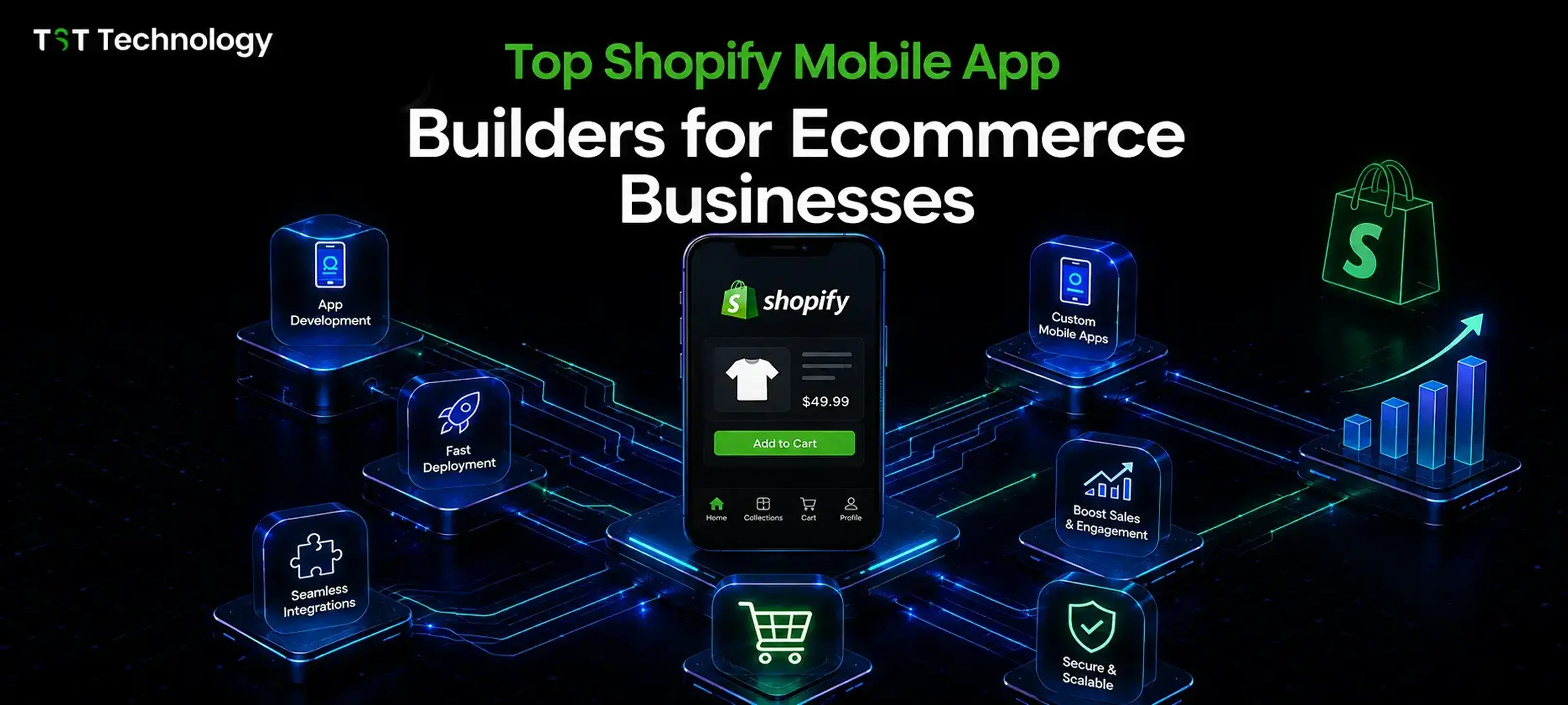

If you're running a Shopify store and most of your traffic is coming from phones, you've probably already asked yourself the question: should I have an actual app?
It's a fair question. A mobile website works fine, but a native app changes the relationship you have with your customers. It sits on their home screen. It sends them a push notification when their cart's been sitting for an hour. It loads instantly instead of making them wait for a browser tab. And for a lot of Shopify brands, that difference shows up directly in repeat purchase rates.
The tricky part is picking the right builder. There are more of these tools on the Shopify App Store than most merchants realize, and the pricing pages don't always make it obvious what you're actually getting. So we pulled together a straightforward comparison of the shopify mobile app builders that come up most often for Shopify stores, what each one is genuinely good at, and what the plans cost, so you can make the call without spending a weekend testing free trials.
Why Bother With a Mobile App at All?
Before getting into the tools themselves, it's worth being clear about why this category exists.
A native app removes almost all the friction between "customer wants to buy" and "customer bought." No typing in a URL, no waiting for a mobile browser to render your theme, no losing them to a distraction while a page loads. On top of that, push notifications are a channel email and SMS can't really replace; they're free to send, they show up instantly, and open rates tend to run well above email.
For growing Shopify brands, that combination usually shows up as higher repeat purchase rates, lower dependence on paid ads, and a direct line to customers you already won.
Quick Comparison: Pricing at a Glance
Builder | Starting Price | Free Plan / Trial | Best For |
| Vegacart | Free to start | Free plan, then $199/mo | Stores wanting a real free tier before paying |
| Shopney | $149/mo | 30-day trial | Mid-size brands wanting merchandising tools |
| Apploy | $49/mo | 7-day trial | New or small stores wanting a lean start |
| Superfans | $150/mo | 30-day trial | Brands leaning into live selling |
| NAPPS | Free to start | Free plan, then $299/mo | Stores wanting shoppable video & lookbooks |
| Venn Apps | $1,999/mo | 30-day trial | Larger brands wanting full custom design |
| Ampify PWA | $19.99/mo | 14-day trial | Budget-friendly PWA/push notification setup |
Now let's go through each one in more depth.
The Best Shopify Mobile App Builders in 2026
1. Vegacart
Vegacart is one of the more approachable options on this list, mostly because it actually has a usable free plan rather than a time-limited trial dressed up as one. You get the drag-and-drop editor, free design blocks, search and filter, and live chat support without paying anything, which is a good way to see whether your store even suits an app before committing a budget.
Once you move to a paid tier, Vegacart adds unlimited push notifications, custom brand colors, and native iOS/Android publishing. It also markets itself heavily on migration. If you're currently on Tapcart, Shopney, Vajro, Apptile, or OneMobile, Vegacart will move you over for free, which removes a real barrier for stores that got locked into a builder they've outgrown.
Key features:
- Drag-and-drop editor with live preview
- Unlimited, AI-powered push notification campaigns
- Free migration from Tapcart, Shopney, Vajro, Apptile, OneMobile, or any other builder
- Full-service support from setup through launch
- Third-party integrations for a connected shopping experience
Pricing:
- Free: Drag & drop editor, free design blocks, search & filter, bottom navigation, real-time sync, live chat & email support
- Grow — $199/mo (or $2,030/year): Push notifications, custom brand colors, native apps, 2 standard + 1 premium integration, 5 custom screens
- Scale — $499/mo (or $5,090/year): Unlimited automated notifications, 5 custom blocks, multi-language/currency, 10 custom screens
- Enterprise — $999/mo (or $10,190/year): Premium blocks, AI-suggested push notifications, unlimited custom screens and integrations, dedicated account manager
Good fit if you want to test the waters for free before spending anything, or you're migrating off a different app builder and don't want to pay a transition tax.
2. Shopney
Shopney has been around long enough that it's built out a genuinely deep integration list, and it leans into product merchandising more than most competitors. You get real theme/layout options for both product and collection pages, which matters if your catalog is visually driven.
It also plugs directly into tools most Shopify brands already use: Google Analytics, Facebook Ads, Klaviyo, Rebuy, and Nosto show up as you move up the plans, so you're not rebuilding your marketing stack from scratch.
Key features:
- Multiple product and collection page layout options
- In-app live chat with Shopify Inbox integration
- Deep integration suite: Google Analytics, Facebook Ads, Klaviyo, Rebuy, Nosto
- AI-segmented push notifications, plus AR and live selling on higher tiers
- Hands-on onboarding and app store install tactics
Pricing:
- Silver — $149/mo: Unlimited push notifications, back-in-stock alerts, PLP/PDP theme options, in-app chat, Google Analytics & Facebook Ads integration
- Gold — $299/mo: Bottom bar navigation, abandoned cart notifications, product reviews, multi-language/currency, search & filter integrations
- Platinum — $599/mo: Multiple showcases, AI-segmented push notifications, AR, barcode scanning, live selling, Klaviyo/Rebuy/Nosto
- Enterprise — $1,299/mo: Scheduled showcases, multi-store support, AppsFlyer & Adjust, professional design support, dedicated success manager
Good fit for stores that care a lot about how products are presented in-app and already run on a marketing stack like Klaviyo.
3. Apploy
Apploy is aimed squarely at smaller and newer stores. Its cheapest plan is priced for a store that's under three months old, which is a fairly rare thing to see in this category; most builders assume you already have volume to justify the spend.
The pitch here is speed and simplicity: the app runs on your existing theme, so it stays in sync automatically instead of needing separate content management, and Apploy says you can publish in minutes rather than months.
Key features:
- No-code customization that runs on your existing Shopify theme
- Publish to iOS and Android in minutes
- Real-time sync with products, content, and discounts
- App-exclusive discounts and rewards for repeat buyers
- Full design parity with localization and multi-currency support
Pricing:
- Micro — $49/mo: For stores under 3 months old; iOS/Android apps, custom branding, real-time sync, 5 push notifications/month
- Starter — $99/mo: Unlimited users and push notifications, app analytics, chat support
- Growth — $199/mo: Welcome flow, abandoned cart and search recovery, white-glove onboarding
- Plus — $499/mo: Custom wishlist recovery, multi-step journeys, app-exclusive discounts, concierge service
Good fit for a young or small store that wants a native app without paying enterprise-level prices from day one.
4. Superfans
Superfans positions itself around retention and community, and one feature stands out from the rest of the list: built-in live selling, both inside the app and on Facebook. If interactive shopping sessions are part of your strategy, this is one of the few builders that treats that as a core feature rather than a bolt-on.
It also keeps things simple pricing-wise; there are only two plans, which cuts down on the "which tier actually has the feature I need" guesswork that shows up elsewhere on this list.
Key features:
- Native iOS and Android apps via a drag-and-drop builder
- Unlimited push notifications targeted to customer segments
- Live selling sessions inside the app and on Facebook
- App-only discounts and exclusive product drops
- One-click integrations with your existing tech stack
Pricing:
- Starter — $150/mo: Unlimited push notifications, app-only discounts and drops, in-app live chat, size charts, 24/7 support
- Unlimited — $1,000/mo (or $10,000/year): Unlimited blocks, integrations, and pages, app-exclusive drops, Meta & Google Ads integration, multi-currency/language, custom feature development
Good fit for brands building a loyalty-driven community around live selling and drops.
5. NAPPS
NAPPS is another builder with a genuine free starting point; you can build and test your app layout before paying anything, which is useful if you want to see the finished product before committing.
Its standout feature is shoppable video. Product stories and shoppable videos are built into the paid tiers, along with lookbooks and "drop" style collection launches, which suit brands doing frequent limited releases.
Key features:
- Visual, no-code app builder with a free plan to start
- Handles App Store and Google Play submission for you
- Shoppable video and product stories built into the app
- Collection/product "drop" launcher plus lookbooks
- Automated cart recovery, restock, and order notifications
Pricing:
- Starter — Free: Build and test until you're ready to launch, guided first layout
- Business — $299/mo (or $3,240/year): Unlimited blocks, standard integrations, 5 product page layouts, 1 drop launcher, 3 lookbooks
- Scale — $499/mo (or $5,400/year): Dedicated success manager, 3 drop launchers, 10 lookbooks, 20 shoppable videos, product story component
- Enterprise — $999/mo (or $10,800/year): Custom features, custom app design, unlimited shoppable videos, 50 designs per market
Good fit for fashion, beauty, or lifestyle brands that rely on video content and scheduled product drops.
6. Venn Apps
Venn Apps sits at the premium end of this list, and it's built for stores that have outgrown template-based app builders entirely. Instead of picking from pre-set blocks, you get a dedicated designer and full page-editing control across the homepage, shop menu, and custom pages.
It's also the only builder here that explicitly mirrors metafields in real time between your web store and app, which matters for larger catalogs where keeping app and web content in sync manually just isn't realistic.
Key features:
- Fully custom design with a dedicated designer, not just templates
- Real-time metafield mirroring between web store and app
- Full functionality continuity, plus multi-currency and multi-language support
- Unlimited segmented push notifications and built-in loyalty
- Dedicated account manager and tailored growth strategy
Pricing:
- Pro — $1,999/mo: Pro design modules with a dedicated designer, unlimited standard integrations, full page editor, unlimited push notifications with analytics, app-exclusive drops
- Enterprise — from $2,999/mo: Custom design modules, unlimited premium integrations, shop-the-look, in-app loyalty, GWP, multi-language and expansion store support, strategic account management
Worth noting: Venn Apps bills some charges separately from your Shopify invoice, so it's worth checking their pricing page directly before committing.
Good fit for established, higher-revenue brands that want a fully custom app and are past the point where templates cut it.
7. Ampify PWA
Ampify takes a different approach from everything else on this list; instead of a fully native app, it builds a Progressive Web App (PWA) that lives on the home screen and uses web push notifications. That means no App Store or Google Play submission process, and a noticeably lower price point.
Because it runs through Shopify's own theme editor, there's no separate dashboard to learn, which shortens the setup time considerably. It's also the only builder here to explicitly advertise no revenue share.
Key features:
- Installable PWA for both Android and iOS, no App Store review needed
- Web push notifications for abandoned cart recovery and order updates
- Edit the app UI directly inside the Shopify theme editor
- No revenue sharing on sales made through the app
- Upgrade path to a fully published native iOS/Android app
Pricing:
- Essentials — $19.99/mo: Installable PWA, smart install prompts, up to 5K push impressions, abandoned cart recovery
- Pro — $49.99/mo: Unlimited subscribers and web push, automatic order notifications, dedicated success support
- Premium — $99.99/mo: Native-style app experience, edit UI from the Shopify editor, bottom nav, splash screens, animations
- Elite — $199.99/mo: Published iOS & Android apps, dedicated designer and success manager, unlimited integrations, App Store submission support
Good fit for stores that want the retention benefits of an app-like experience without the cost or wait time of a fully native build, with the option to graduate to a real published app later.
How to Actually Choose One
With seven solid options, the "best" one really comes down to where your store is right now:
- Just testing the idea? Vegacart or NAPPS let you build for free before paying anything.
- Small or new store on a tight budget? Apploy's Micro plan or Ampify's Essentials plan are built for exactly this.
- Focused on product presentation and existing marketing tools? Shopney's merchandising and integration depth stand out.
- Building around drops, video, or live selling? NAPPS and Superfans both lean into content-driven retention.
- A larger brand that wants zero template constraints? Venn Apps is the one built for that, at a matching price.
A sensible way to approach this: most of these builders offer a free plan or a trial between 7 and 30 days. Pick two that fit your budget and your feature priorities, build a basic version of your app in each during the trial, and see which editor actually feels good to work in day-to-day. The feature list matters, but so does whether your team enjoys using the tool.
If your requirements go beyond what a template-based builder can handle, or you need commerce features that don't exist in any of these tools, that's usually the point where a custom mobile app development approach makes more sense than stretching a builder past its limits.